
How the process works
MoFA attestation tracking and status check
Short answer
For an application in progress, open verify.mofa.gov.ae → Application Status and enter the ATS or DATS application number, the mobile number registered on the application and the OTP. Tasks or My Requests in your MoFA account and your registered email also show progress. Track document movement through the courier’s link. For a completed document, use Document Status on the same portal.
- Application progress
- verify.mofa.gov.ae → Application Status (ATS number, registered mobile, OTP)
- Courier movement
- Delivery company tracking link
- Completed document
- verify.mofa.gov.ae → Document Status
- Rejected-application refund
- Automatic within 14 working days (MoFA FAQ)
Process map
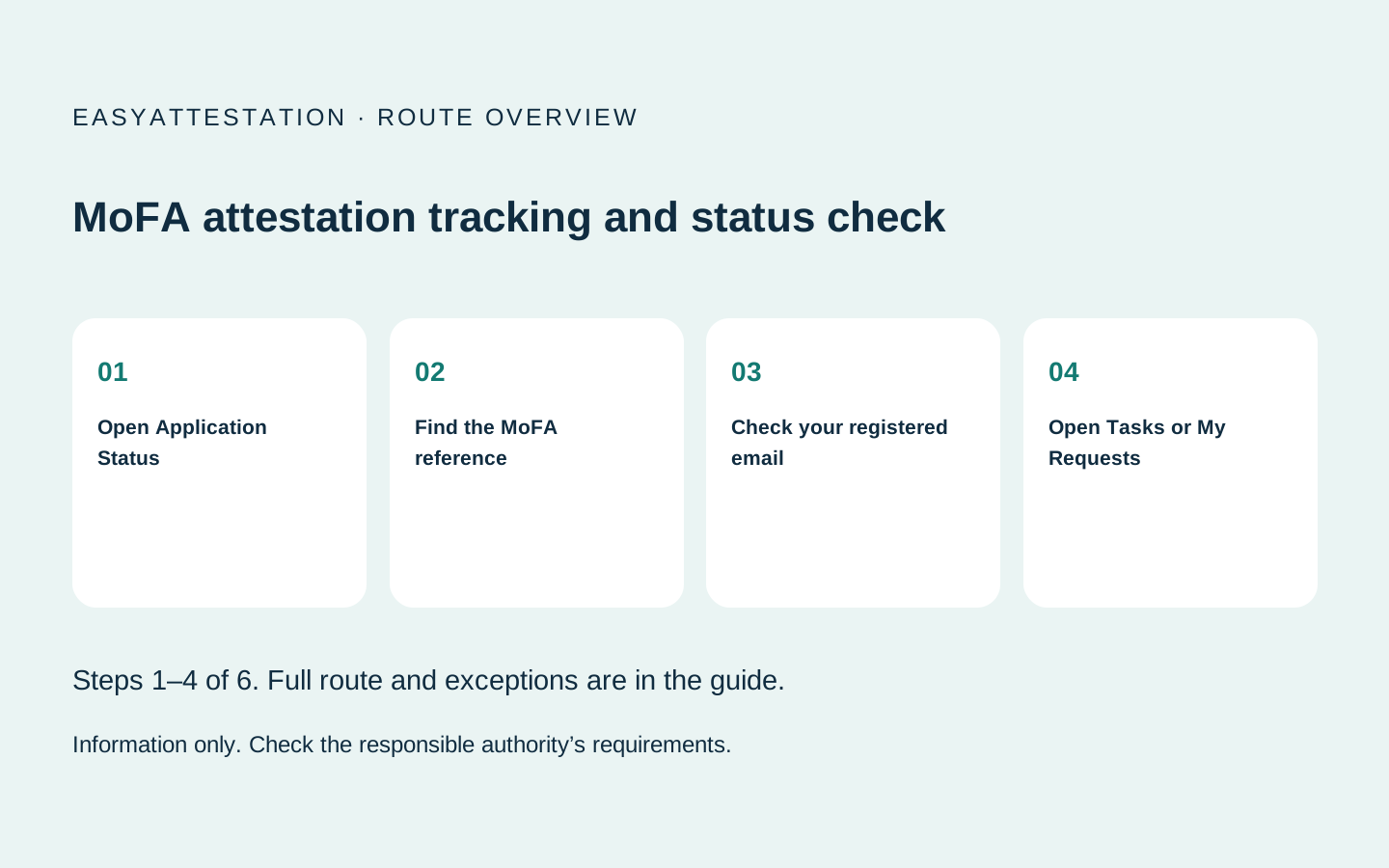
Your route at a glance
- 01 Open Application Status
- 02 Find the MoFA reference
- 03 Check your registered email
- 04 Open Tasks or My Requests
- 05 Use the courier link for movement
Check status on MoFA’s Application Status tool
The official portal at verify.mofa.gov.ae has two separate tools. Application Status is for an application still being processed; Document Status (or Verify Document) is for a completed attestation.
- Open verify.mofa.gov.ae and choose Application Status.
- Enter the application number. The portal asks for it in the format DATS or ATS-… .
- Enter the mobile number registered on the application.
- Enter the one-time password (OTP) that MoFA sends to that registered mobile.
If the application was made by someone else, the OTP goes to the mobile number they registered, not necessarily yours.
What each status means
These are the labels the portal itself uses. We only describe what the label says; MoFA does not publish a time for each stage.
| Portal label | What it tells you |
|---|---|
| Application is under process | MoFA has the application and is processing it |
| Attestation In Progress | The attestation stage has started |
| Document is under process | A document in the application is still being processed |
| Reason | Shown with a rejection, giving MoFA’s stated reason |
Use the right status tool
| What you need | Where to check |
|---|---|
| Application being processed | verify.mofa.gov.ae → Application Status, or Tasks/My Requests in your MoFA account |
| Status message | Email registered with MoFA |
| Envelope or document movement | Selected courier’s tracking link |
| Completed attestation | verify.mofa.gov.ae → Document Status |
| Rejected-application refund | Application record, then MoFA support |
Application tracking and document verification are different. A courier can show “delivered” while MoFA review is pending. An agent dashboard also cannot prove that a finished attestation is genuine.
If the status has not changed
Check that the request was submitted and paid, then compare the Request ID and Follow-up Number in your account with the email. Do not submit a duplicate paid application until MoFA confirms the first one failed.
If the first application was rejected, MoFA’s service page says you may submit a new application immediately; you do not need to wait for any refund process.
Keep these details together
Save the Request ID, Follow-up Number, payment receipt and courier tracking link. They belong to different parts of the same job and are not interchangeable.The process, step by step
Open Application Status
Open verify.mofa.gov.ae → Application Status, enter the ATS number and registered mobile, then the OTP.
Find the MoFA reference
Successful submission generates an application reference. MoFA FAQs also show request IDs beginning ATS-202.
Check your registered email
MoFA sends status messages to the registered address. Check spam if nothing has arrived.
Open Tasks or My Requests
Sign in and review the request ID, follow-up number, service, creation date and last action.
Use the courier link for movement
The selected delivery company supplies its own tracking link. Courier status is not proof that attestation is complete.
Verify the completed result
At verify.mofa.gov.ae choose Document Status and enter the reference number and issue date.
Document enquiry
Request an independent route assessment
Send the document type, issuing country and intended use. An independent provider may reply with the route and its own quote.
EasyAttestation is operated by Sandesh Solutions FZE. We provide information and referrals; we do not perform attestation.
Prefer to speak now? Call +971 50 304 7470
Common questions
How do I track a MoFA attestation?
Where is my MoFA tracking number?
How do I track the courier?
How do I check a completed attestation?
Is verify.mofa.gov.ae the MoFA application tracker?
What if I did not receive an email?
How do I download the completed document?
How do I track a refund?
Sources and last review
Reviewed 27 September 2026. Fees and procedures in this area change without notice — always confirm against the authority's own published information before paying. This page is general information, not legal advice.